
The AI prepares emails, payment reminders and appointments. You approve them.
- Every step is logged with the time
- Hosted in the EU


Before your team can get going, it types things up, sorts and follows up.
Typing up paperwork
Someone reads timesheets, invoices and forms and types them up. Every month, all over again.
Sorting the inbox
Someone works out by hand which message belongs to which job. Only then does the actual work begin.
Forgetting to follow up
Open quotes and unpaid invoices sit there because nobody is keeping an eye on the list. That costs you orders and money.
The AI looks things up and writes drafts. Only what you approve goes out.
For every agent we set down in writing what it may do on its own, what it brings to you and what it cannot do at all.

Looks things up on its own
Documents, inbox, calendar and customer database. Looking something up changes nothing, so it needs no approval.
- Read documents
- Search inbox
- View calendar
- Look up customers
Asks you first
It prepares emails, appointments and payment reminders as drafts. Nothing goes out until you approve it.
- Send email
- Add appointment
- Send reminder
Cannot do at all
These tasks are not built in at all, so the agent cannot carry them out by accident either.
- Make a payment
- Delete data
- Sign a contract
- Searched the inbox for “Weber”Look-up3 messages
- Looked up customer Weber GmbHLook-upCustomer since 2019
- Read the maintenance contractLook-upPage 2
- Send reply to Weber GmbHApprovalwaiting for approval
- Make a paymentCan’t donot built in
Four tasks an agent can take on.
The agent reads and prepares. Wherever something leaves the business or money is involved, a person decides.
 A person checks uncertain documents
Reading paperwork
The agent reads timesheets, invoices and forms, each one twice. If the two readings do not match, a person takes a look.
 Only sorts, sends nothing
Pre-sorting the inbox
Every message goes to the right job, along with the customer and any attachment. In the morning your team sees straight away what needs doing.
 Only goes out once you approve it
Drafting replies
The draft knows the job’s history and names its sources. You read it, change it if needed and approve it.
 Only sends reminders once you approve
Following up
The agent flags open quotes and invoices that are due, with the reminder already drafted.

Your team asks. The answer comes with its source.
We build a knowledge base from your documents, emails and software. Every answer says where it comes from, down to the page in the contract.
- DocumentsDocumentsContracts, price lists, files
- EmailsEmailsThreads and attachments
- Customer databaseCustomersCustomers and orders
- ChatChatWhatsApp and Slack
- ExperienceExperienceWhat your team knows
Which maintenance intervals did we agree with Weber? Every six months, in March and September. The contract renews automatically for another year. (Weber maintenance contract, p. 2, Email from 14 Mar)
- Your team asks instead of searching
- Your agents write drafts with the right facts
Two businesses where the AI is already at work.
From ongoing projects. We only name the businesses once they have agreed.
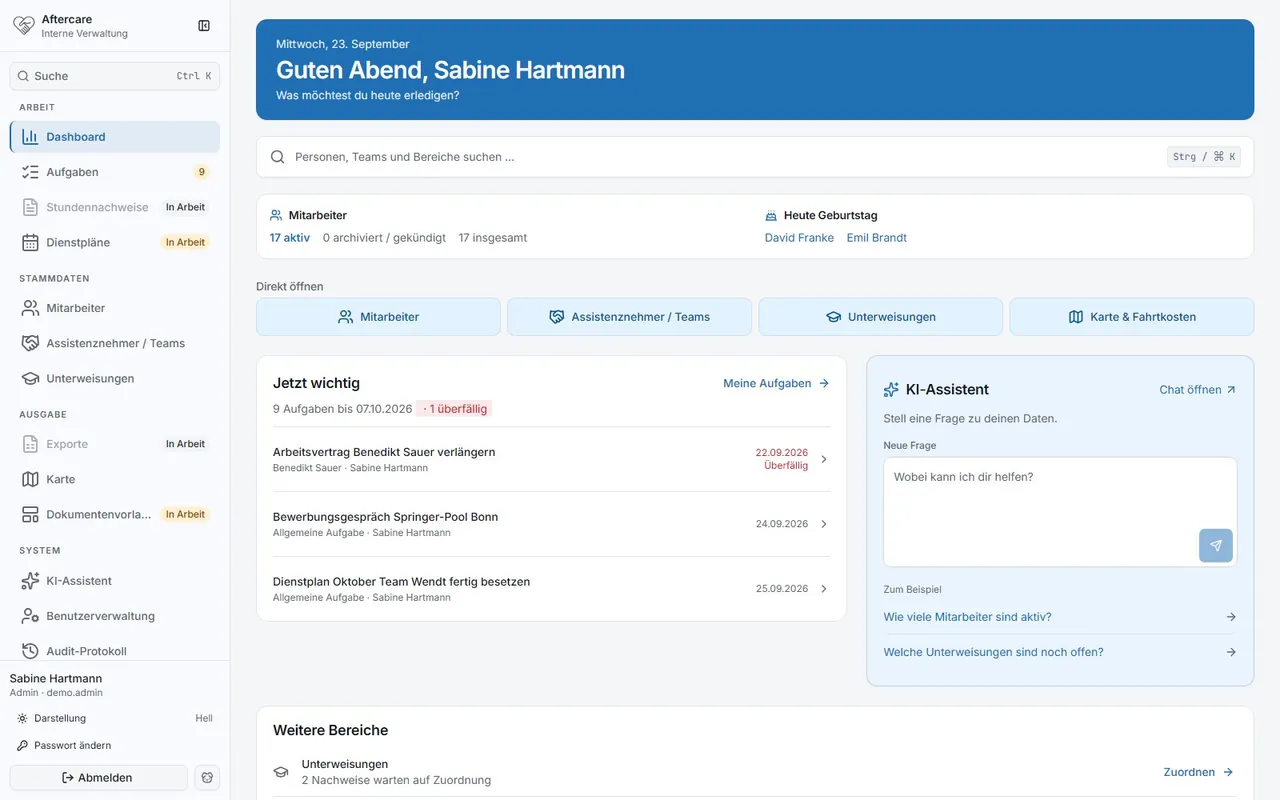
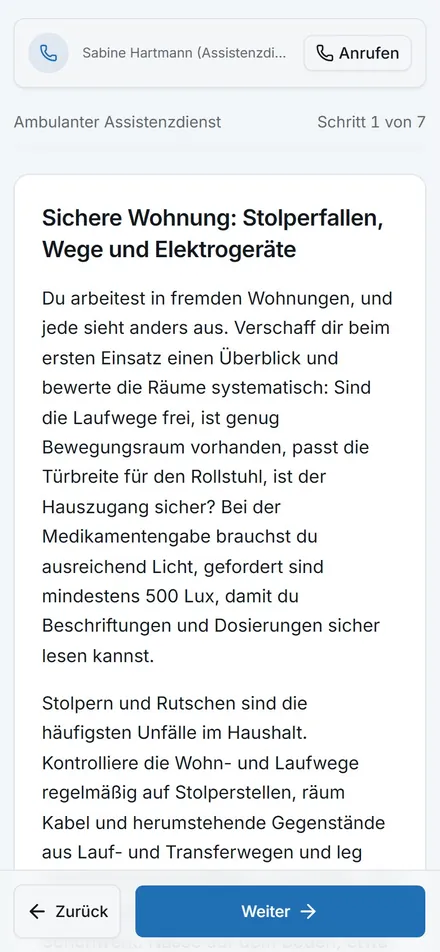
- PersonUpload timesheets
- AIAI reads times and assignments
- AISecond check against the duty roster
- PersonReview and approve uncertain sheetsApproval point
- SystemMonthly file for payroll
Read, check and bill timesheets
Around 28 teams handed in paper timesheets. For payroll, someone typed everything up and checked it against a duty roster whose Excel layout kept changing.
Teams upload their sheets. An AI reads them and checks them a second time against the roster, a person looks at uncertain ones, and at the end of the month the Excel file for payroll is ready.
- A sheet only passes without a query if two readings match and confidence is above 90 percent.
- In the first live run: 10 out of 10 sheets without correction.
- The Excel file for payroll keeps its familiar format.
- The AI’s job
- reads handwritten timesheets and matches them against the duty roster
- Limit
- If anything differs or is uncertain, a person checks before the sheet counts
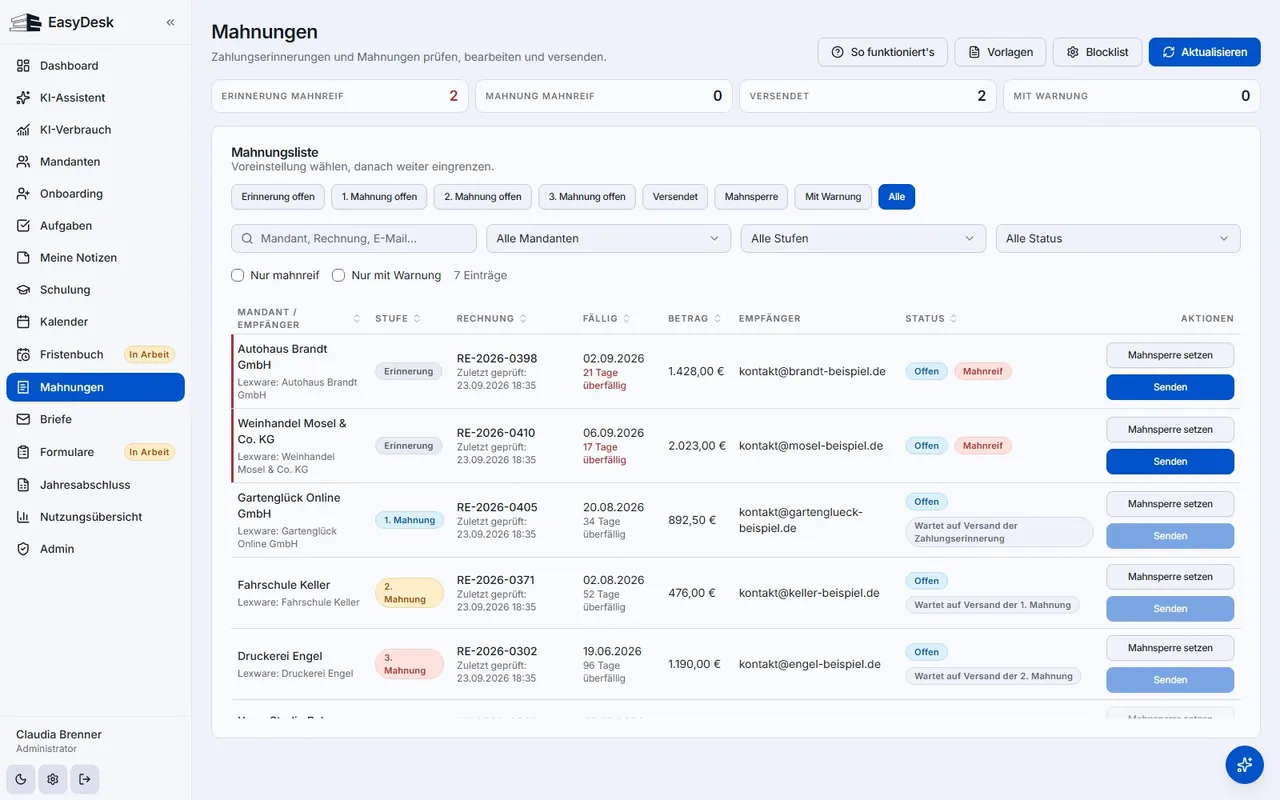
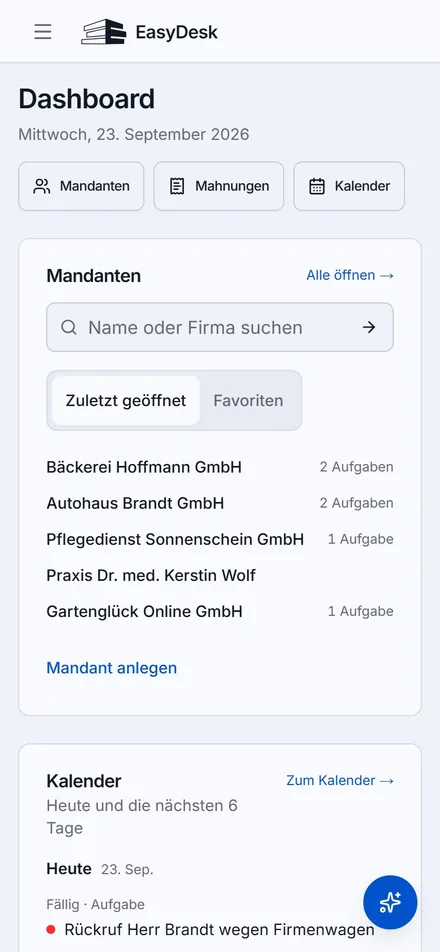
- PersonOnboarding via approval link
- SystemImport deadlines and open items
- AIAI suggests tasks and replies
- PersonA person approves what goes outApproval point
- SystemReminder goes out, the step is logged
Client onboarding, deadlines and reminders in one place
Onboarding ran through an external form, after which the status lived in email threads. Deadlines, open items and queries sat in different programs, and anyone off sick took their knowledge with them.
Onboarding runs through an approval link and the status is in the system. Deadlines, open items and reminder levels are in one place, an agent prepares tasks and replies, and nothing goes out without approval.
- The agent may look things up in 22 places on its own. For the roughly 20 actions that change something, it needs approval.
- Every step is logged with time and trigger.
- The company knowledge base only stores new facts once someone has confirmed them.
- The AI’s job
- assigns documents, suggests tasks and prepares replies
- Limit
- Nothing goes out without approval; until then every action stays a draft
Start with one task.
First the AI takes on a single task that comes up again and again. Only once that runs reliably does the next one follow.
01
Choose a task
We look for a task that comes up often and follows clear rules, such as reading paperwork, pre-sorting emails or following up on quotes.
Your partYou show us which task costs your team the most time today.
What you getOne task, described in writing
02
Set the rules
We decide what the agent may look up, what it brings to you and what it cannot do at all. It gets nothing more.
Your partYou decide what the agent may see and what it has to bring to you.
What you getThe agent’s rules, in writing
03
You approve
It presents a draft, and you approve or change it. Only then does anything go out.
Your partYou read the drafts and approve or change them.
What you getNothing goes out without your OK
04
Improve the rules
Every step is logged with the time. Where you correct something, we see which rule is still missing.
Your partYou tell us where a draft missed the mark.
What you getEvery step traceable, gaps in the rules closed
This is in every proposal.
- Anything that goes out, you approve first.
- Every step is logged with the time.
- We agree in writing beforehand which data the AI gets to see.
Questions
What businesses want to know first
The questions that come up in almost every first call.