
Software for your business that shows everyone where each order stands.
- 3 months of maintenance included
- You own the code and data
- Hosted in the EU
- Waiting for a new enquiry …
- OOffice
- BBoss
- EElectrician
The workflow works. As long as nobody is away.
Two weeks of holiday, and nobody knows which quote is still open.






Excel, email, WhatsApp and a note on the monitor.
Every job in one place, and everyone sees what needs doing next.

Six building blocks, on their own or together.
It usually starts with one building block. The others follow once the first is running day to day.
Enquiry, quote, order and invoice run through one program. Everyone on the team sees the same status.
Three businesses where it already works this way.
From ongoing projects. We only name the businesses once they agree; the workflows are real.
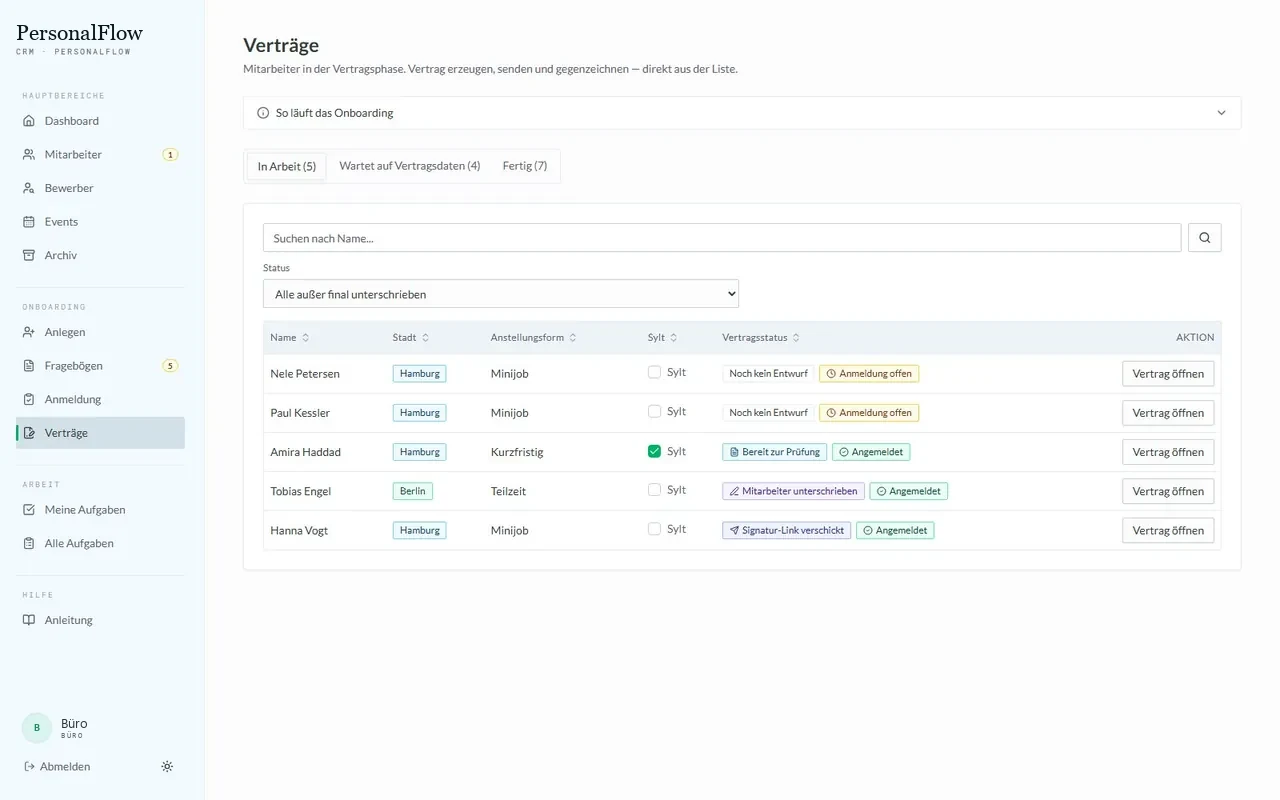
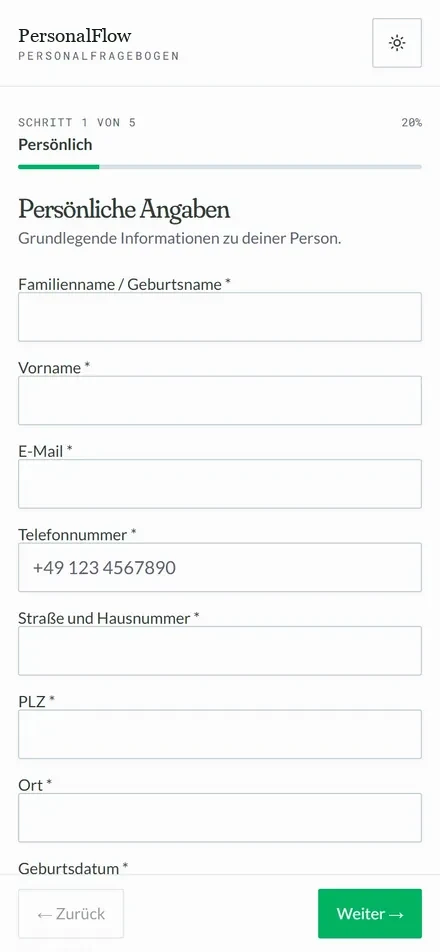
- PersonFill in the questionnaire via a link
- SystemGenerate the contract package from templates
- PersonCheck and approve the contractApproval point
- SystemSignature link sent to the phone
- SystemPersonnel file shows what is missing
From questionnaire to signed contract
Temporary staff filled in a PDF and sent photos of their ID via WhatsApp. Where each hire stood lived in the dispatcher’s head, and missing documents only came to light just before the first shift.
Staff enter their details themselves via a link. That produces the contract package, the office approves it, the signature comes from their phone, and the personnel file shows what is still missing.
- Contracts are built from the company’s own Word templates, not from someone else’s format.
- No contract goes out until someone in the office has clicked “checked”.
- The file flags missing documents before the first shift comes up.
The system makes no legal decisions. It shows data and reports when something is missing.
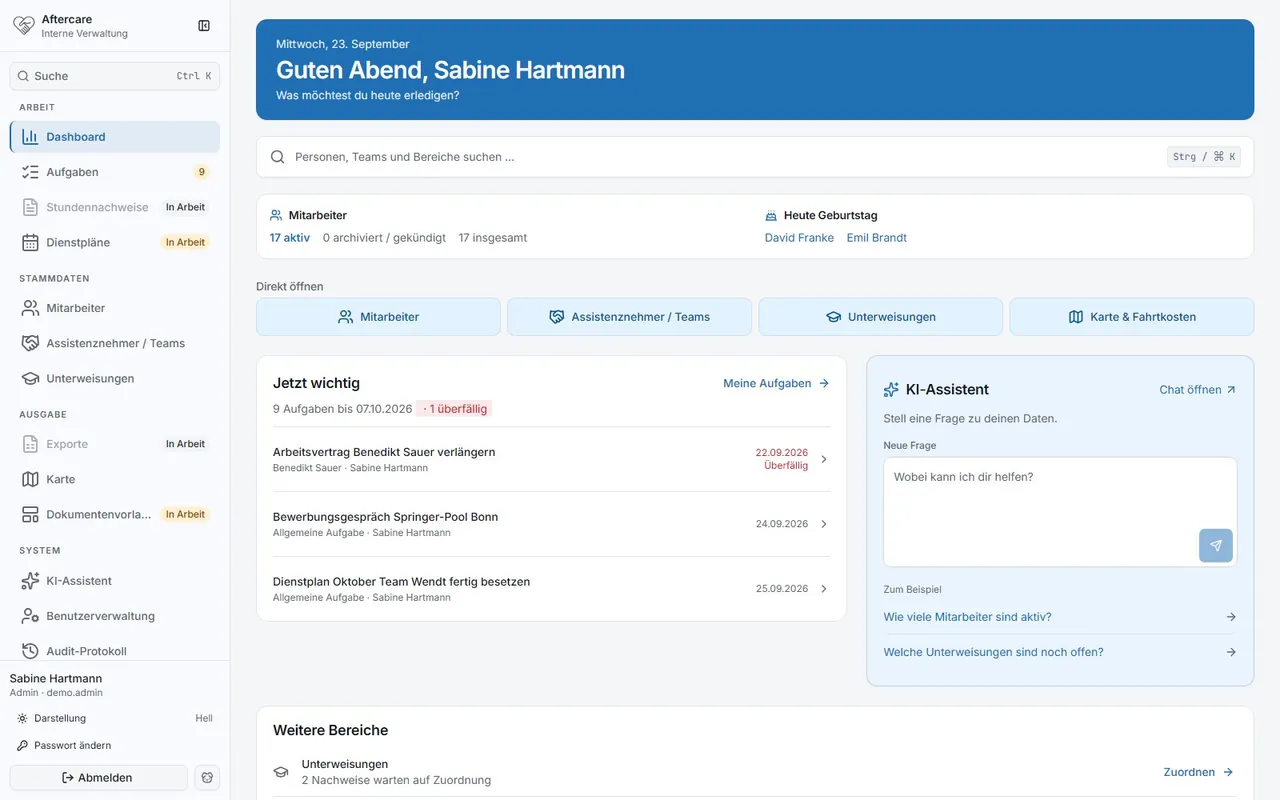
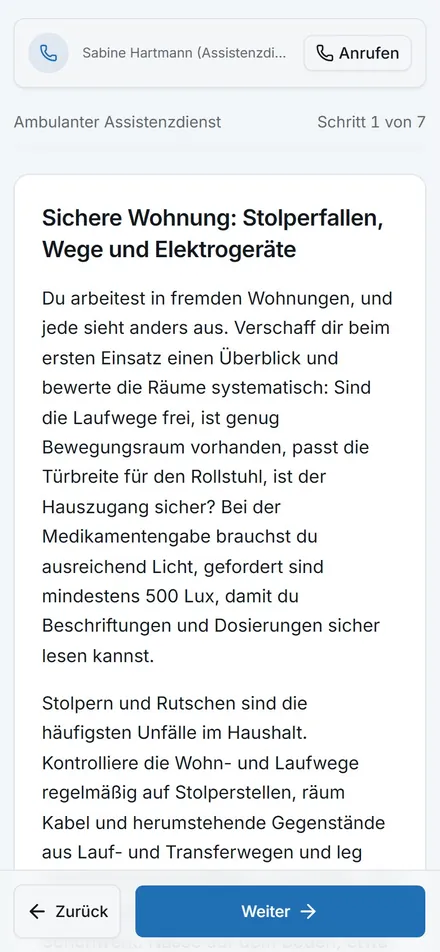
- PersonUpload timesheets
- AIAI reads times and assignments
- AISecond check against the duty roster
- PersonReview and approve uncertain sheetsApproval point
- SystemMonthly file for payroll
Read, check and bill timesheets
Around 28 teams handed in paper timesheets. For payroll, someone typed everything up and checked it against a duty roster whose Excel layout kept changing.
Teams upload their sheets. An AI reads them and checks them a second time against the roster, a person looks at uncertain ones, and at the end of the month the Excel file for payroll is ready.
- A sheet only passes without a query if two readings match and confidence is above 90 percent.
- In the first live run: 10 out of 10 sheets without correction.
- The Excel file for payroll keeps its familiar format.
- The AI’s job
- reads handwritten timesheets and matches them against the duty roster
- Limit
- If anything differs or is uncertain, a person checks before the sheet counts
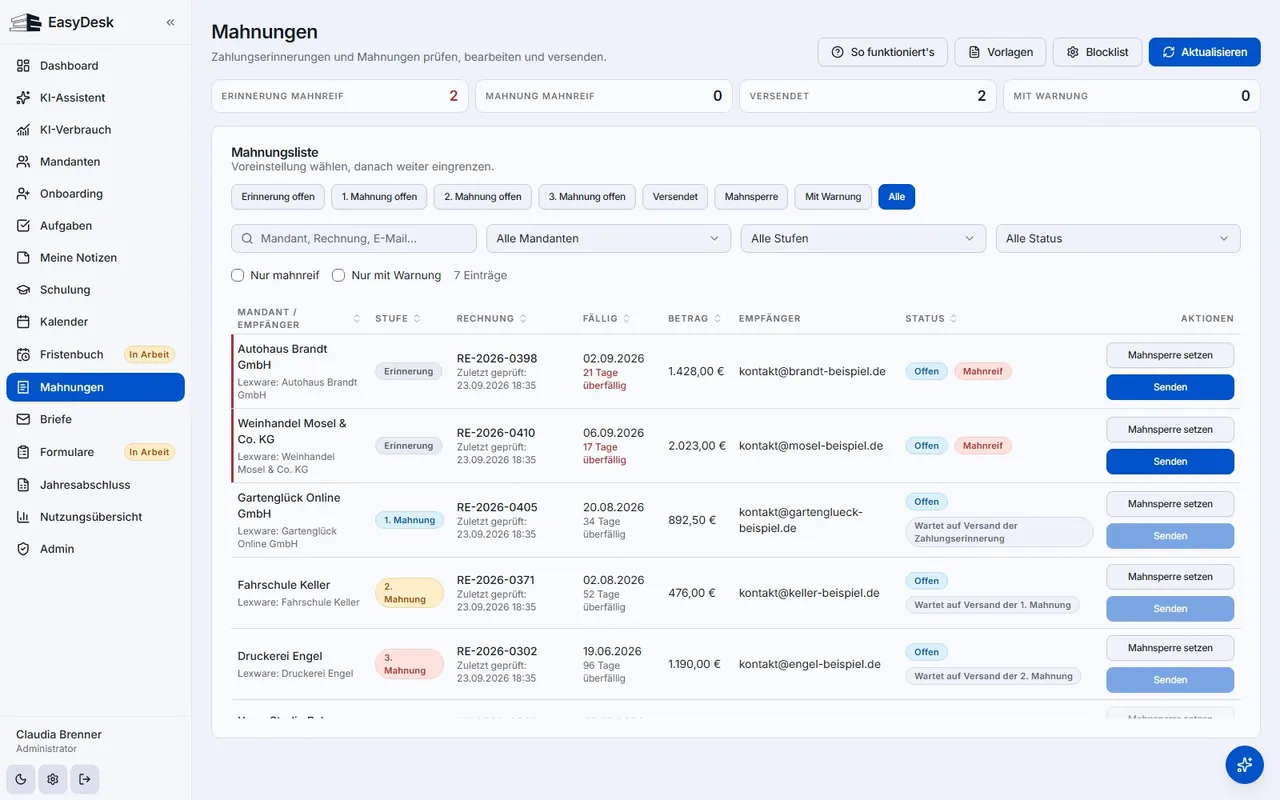
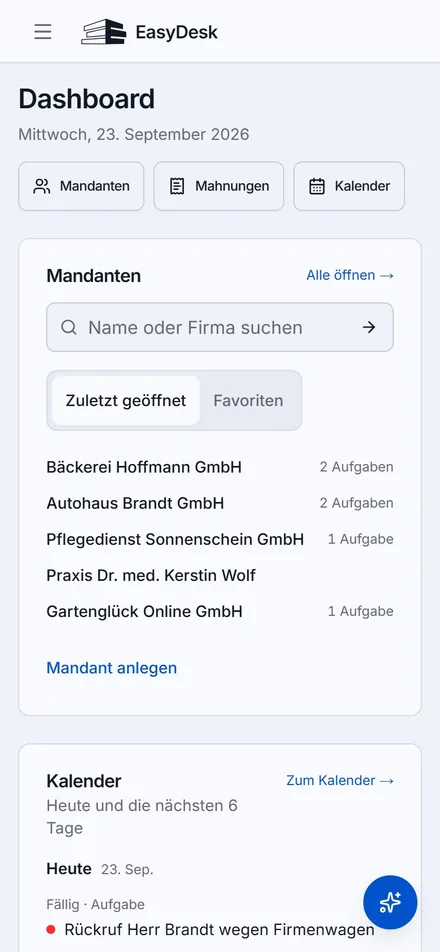
- PersonOnboarding via approval link
- SystemImport deadlines and open items
- AIAI suggests tasks and replies
- PersonA person approves what goes outApproval point
- SystemReminder goes out, the step is logged
Client onboarding, deadlines and reminders in one place
Onboarding ran through an external form, after which the status lived in email threads. Deadlines, open items and queries sat in different programs, and anyone off sick took their knowledge with them.
Onboarding runs through an approval link and the status is in the system. Deadlines, open items and reminder levels are in one place, an agent prepares tasks and replies, and nothing goes out without approval.
- The agent may look things up in 22 places on its own. For the roughly 20 actions that change something, it needs approval.
- Every step is logged with time and trigger.
- The company knowledge base only stores new facts once someone has confirmed them.
- The AI’s job
- assigns documents, suggests tasks and prepares replies
- Limit
- Nothing goes out without approval; until then every action stays a draft

Standard software or your own system?
Standard software comes with lots of features, and you use some of them. Your own software contains the steps your team takes every day.
Large standard software
- Your team adapts to the program
- A monthly licence per user
- Many features go unused
- Information sits in separate programs
Your own system
- The software works the way your team does
- No per-user licence, scope agreed in writing up front
- Only the features you need
- Your existing programs get connected

What does all the retyping and chasing cost you every month?
A first estimate. In the process review we look at which steps can sensibly be automated and which cannot.
Book a free process reviewFour steps, one person to talk to.
We start with the part that eats up the most time. The rest follows once that part is running day to day.
01
Map the workflow
We go through a real job with you, from the first call to the invoice, the way it runs today, detours included.
What you getA written outline of your workflow
02
Build the core
First comes the step that costs the most. You click through a first version with real data before the rest is built.
What you getA first version to try out
03
Connect your programs
We connect what you already use, such as Lexware Office or your calendar.
What you getEvery detail entered only once
04
Run and maintain
We host in the EU, keep the system up to date and keep building when your workflow changes.
What you getOne person to talk to, afterwards too
This is in every proposal.
- The scope is set in writing before we start.
- You own the code and data. You can switch at any time.
- Maintenance and further development are listed with their price in the proposal.
Questions
What businesses want to know first
The questions that almost always come up in the first call.